Cartoon Me Guide
Anime style photo filter
Your selfie, but make it anime. Big eyes, dramatic hair, perfect lighting. The full anime protagonist treatment.


Short answer
Anime is the most popular art style on the internet. Full stop.
Last updated 2026-04-18
Why Everyone Wants an Anime Version of Themselves
Anime is the most popular art style on the internet. Full stop. The exaggerated eyes, dramatic hair, and cinematic lighting create a version of you that looks like a character in your favorite show. That's why anime photo filters have been the most consistently searched style since AI art filters became mainstream. Unlike Ghibli (which is soft and dreamy), anime style is bold, sharp, and dramatic. Think Demon Slayer, Attack on Titan, Jujutsu Kaisen. Your selfie gets the full protagonist treatment.
Anime Art That Actually Looks Like Anime
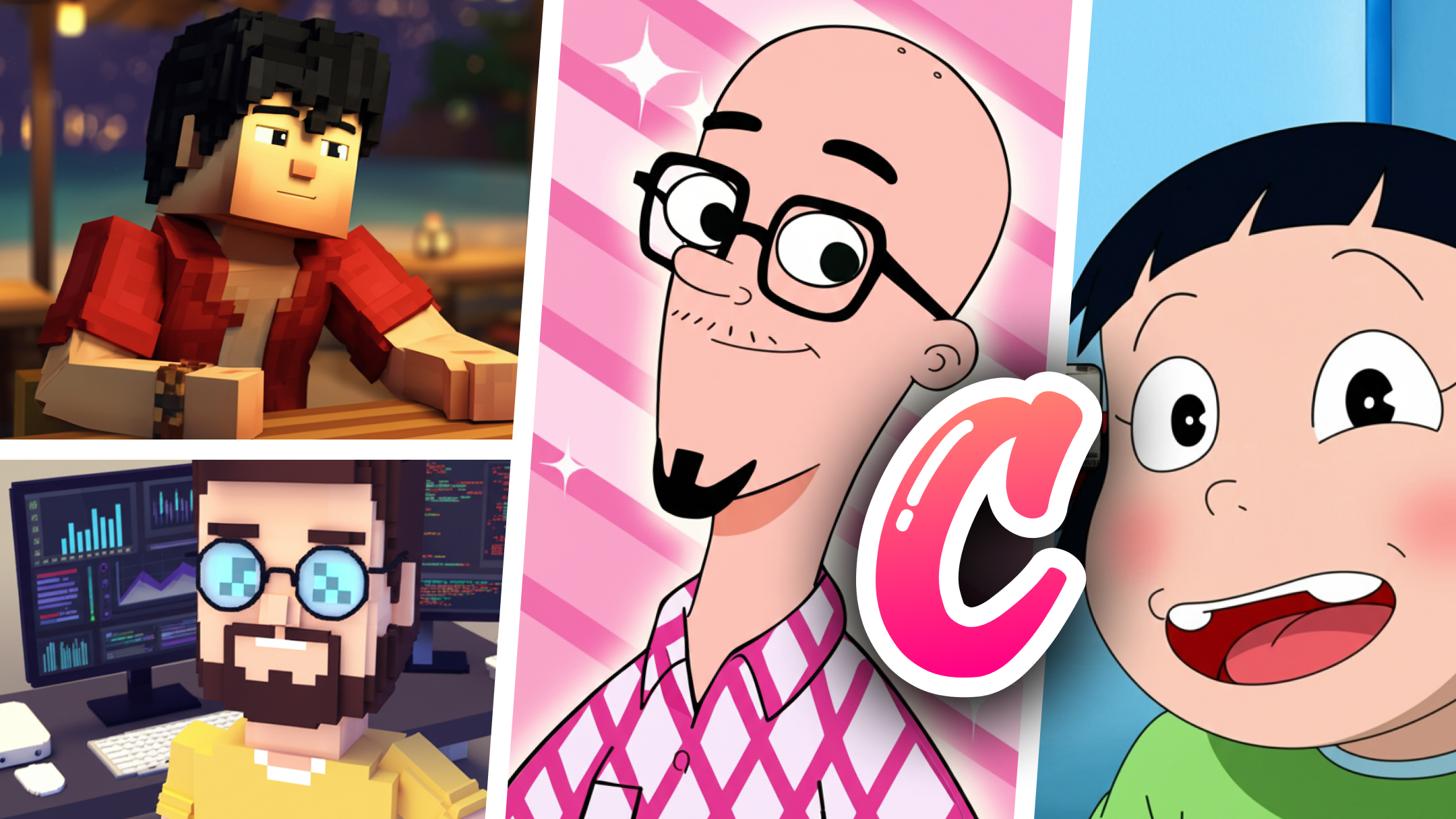
Most anime filters just sharpen your photo and enlarge your eyes. That's not anime art. That's a bad Instagram filter. Cartoon Me's anime style actually reimagines your photo as an anime illustration. The AI redraws your features in proper anime proportions: expressive eyes, detailed hair, dramatic shadows, and that characteristic anime lighting that makes everything look cinematic. It works on more than just faces. Anime-style landscapes, food, pets, and city scenes all produce stunning results. The style captures the essence of Japanese animation, not just the surface-level look.
How to do it
Step 1: Choose a Photo with Good Lighting
Anime art thrives on contrast and dramatic lighting. A well-lit selfie with clear facial features will produce the most striking anime transformation. Outdoor photos in golden hour look incredible.
Step 2: Select the Anime Style
Cartoon Me has multiple anime variants. Classic anime, manga sketch, and more. Browse the styles and pick the one that matches the vibe you want.
Step 3: Use It Everywhere
Anime versions of yourself make perfect social media avatars, Discord profile pics, gaming profiles, or just fun content to share. The high-res output works for any platform.
Mistakes to avoid
- 1Using heavily filtered selfies as input. The AI works best with natural photos. If your input already has a beauty filter, the anime output looks weird.
- 2Expecting photo-realistic anime. This is stylized art, not a realistic rendering. The whole point is that it looks like an illustration, not a photograph.
- 3Only using front-facing selfies. Side profiles, action poses, and group shots all produce interesting anime results. Experiment.
- 4Comparing to hand-drawn anime. AI anime art is its own thing. It's impressive, but it's not the same as what a professional anime artist would draw. And that's fine.
Anime Art from Any Photo. Seconds, Not Hours.
Cartoon Me transforms your photos into genuine anime art. Not a filter. Not an overlay. A full AI-powered reimagining of your photo in anime style. Big eyes, dramatic hair, cinematic lighting. Available on iOS and Android. Free to download.
Learn more about Cartoon Me →FAQ
What's the difference between anime and Ghibli style?+
Ghibli is soft, warm, and watercolor-like. Think Spirited Away or Howl's Moving Castle. Anime style is sharper, more dramatic, and bold. Think Demon Slayer or Attack on Titan. Both are Japanese animation but they look completely different.
Can I make anime versions of my pets?+
Yes. Pets in anime style is surprisingly popular. Cats especially produce great results because anime already loves cats.
Does it work for group photos?+
Yes. Group photos get the full anime treatment. Each person is rendered in anime style while maintaining their unique features.
Related Guides
Guide
Ghibli Style Photo Filter
Turn your photos into Studio Ghibli art without ChatGPT. No login, no account, no photo uploads to OpenAI. Get the Ghibli look on iPhone and Android in seconds.
Guide
Minecraft Voxel Art from Photo
Turn any photo into Minecraft-style voxel art. Blocky characters, pixelated worlds, and 3D voxel versions of your selfies. No other app does this.
Best Apps
Best Cartoon App for iPhone
We tested every cartoon and AI art app on iPhone. Cartoon Me, Lensa, ToonMe, and more. Find the best app for Ghibli, anime, sketch, and comic art styles.