Cartoon Me Guide
Ghibli style photo filter
The Ghibli AI art trend broke the internet. Here's how to get the look without uploading your photos to ChatGPT.


Short answer
In early 2025, a Seattle engineer posted a Ghibli-style AI photo of his family on X. It got 46 million views.
Last updated 2026-04-18
The Ghibli Trend Explained
In early 2025, a Seattle engineer posted a Ghibli-style AI photo of his family on X. It got 46 million views. Within days, everyone was turning their photos into soft, dreamy Studio Ghibli art. The trend hasn't slowed down since. That warm watercolor look, the gentle lighting, the expressive eyes. It captures something that regular photo filters can't. The problem? Most people are using ChatGPT to do this. That means creating an OpenAI account, uploading your personal photos to their servers, waiting in queue during peak times, and hitting daily limits on the free tier. For a photo filter, that's a lot of friction.
Get the Ghibli Look Without the ChatGPT Hassle
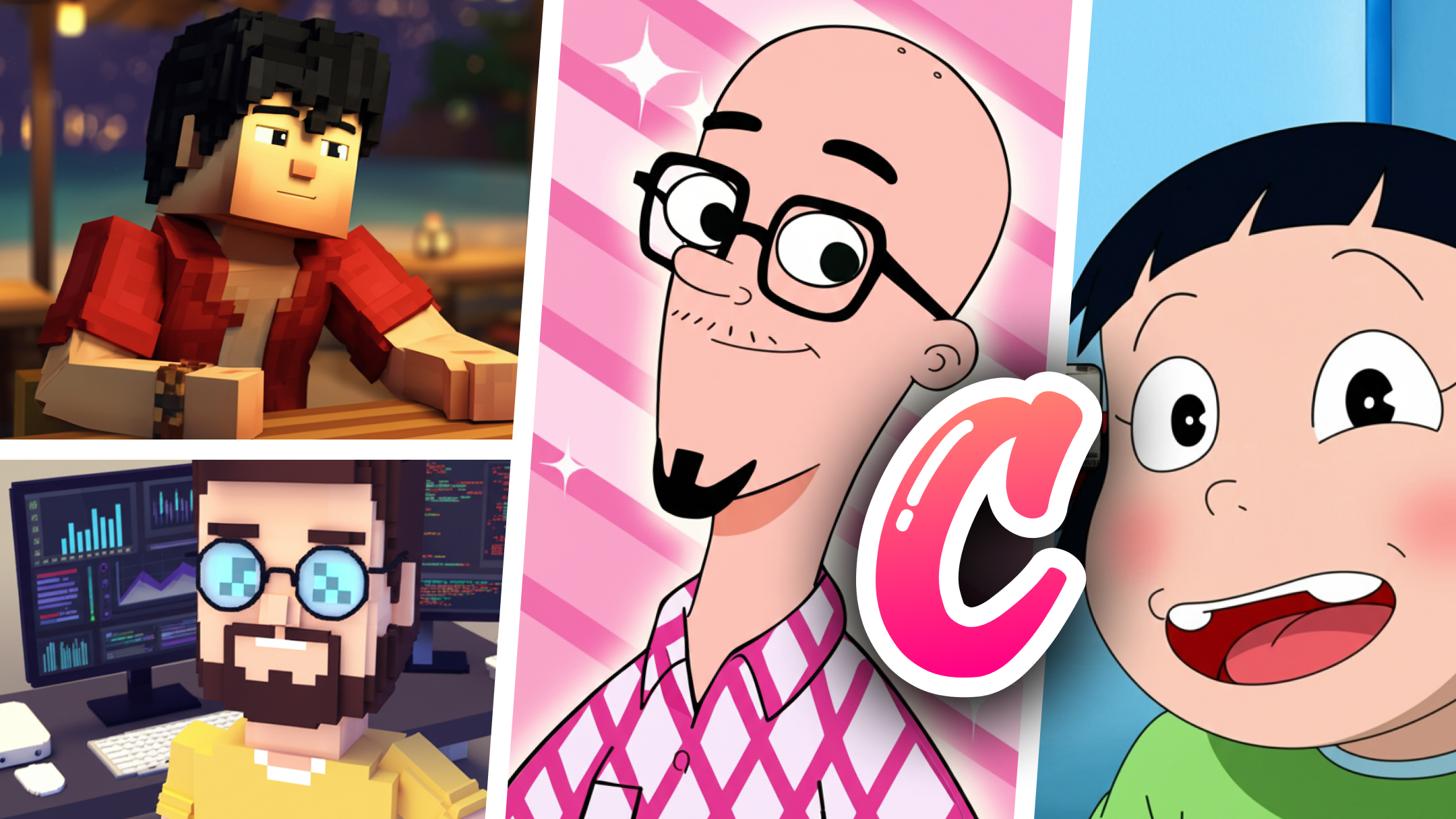
Cartoon Me has a dedicated Ghibli art style built into the app. No account needed. No uploading to a server you don't control. Open the app, pick your photo, tap Ghibli, done. The AI model is trained specifically for the Ghibli aesthetic, so you get the soft watercolors, the dreamy backgrounds, and the expressive character details that make Ghibli art feel alive. Works on selfies, group photos, pets, landscapes. Anything that works in a Ghibli film works here. The output is high resolution so you can use it as a wallpaper, print it, or share it without pixelation. And since it's an app on your phone, there's no queue. Generate as many Ghibli photos as you want.
How to do it
Step 1: Open Cartoon Me and Pick a Photo
Any photo works. Selfies give the most dramatic Ghibli transformation. But group photos, pet photos, and landscapes also produce beautiful results. The AI adapts to whatever you throw at it.
Step 2: Select the Ghibli Style
Browse the style gallery and tap the Ghibli option. You'll see the preview start generating immediately. The soft watercolor palette and warm lighting appear within seconds.
Step 3: Save and Share
The output is high-res. Save to your camera roll, share to Instagram, TikTok, or WhatsApp. Set it as your phone wallpaper. Print it and frame it. The Ghibli style genuinely looks good enough to hang on a wall.
Mistakes to avoid
- 1Using ChatGPT's free tier during peak hours. The Ghibli trend causes massive queues on OpenAI's servers. You'll wait 5-10 minutes per image. Cartoon Me generates instantly.
- 2Low-resolution input photos. The AI can only work with what you give it. Use a clear, well-lit photo for the best Ghibli transformation.
- 3Only trying selfies. Ghibli art looks incredible on landscapes, cityscapes, and food photos too. The dreamy watercolor effect transforms everything.
- 4Uploading personal photos to ChatGPT without reading the privacy policy. OpenAI may use uploaded images to train their models. Worth knowing before you upload your family photos.
Ghibli Art in Seconds. No Login. No Queue.
Cartoon Me's Ghibli filter captures the Studio Ghibli aesthetic that broke the internet. Soft watercolors, warm lighting, dreamy backgrounds. Available on iOS and Android. No account needed, no account needed. Just open, tap, and get the Ghibli look instantly. 150,000+ images generated across 20+ styles including 3DMyne, AlienHue, ZanyVibe, BatNoir, and more.
Learn more about Cartoon Me →FAQ
Is this the same quality as ChatGPT's Ghibli images?+
The style is similar. ChatGPT uses GPT-4o's image model. Cartoon Me uses Stable Diffusion fine-tuned for the Ghibli aesthetic. Both produce the soft watercolor look. Try Cartoon Me and compare.
Is it free?+
The app is free to download with basic styles included. The Ghibli style may require a premium use depending on your region. No subscription needed.
Can I use the Ghibli images commercially?+
The AI-generated images are yours to use. However, 'Studio Ghibli' is a trademarked name. You can use the art style (which isn't copyrightable) but avoid using the Studio Ghibli name in commercial contexts.
Why not just use ChatGPT?+
You can. But ChatGPT requires an account, uploads your photos to OpenAI's servers, has queue times during viral trends, and limits free users. Cartoon Me is faster for this specific use case.
Related Guides
Guide
Anime Style Photo Filter
Turn your photos into anime art instantly. No drawing skills needed. Anime, manga, and Japanese art styles from your selfies. Free on iOS and Android.
Guide
Minecraft Voxel Art from Photo
Turn any photo into Minecraft-style voxel art. Blocky characters, pixelated worlds, and 3D voxel versions of your selfies. No other app does this.
Alternative
Lensa Alternative
Lensa focuses on AI portraits. Cartoon Me offers 20+ cartoon styles including Ghibli, anime, voxel, and more. No account needed. iOS and Android.
Best Apps
Best Cartoon App for iPhone
We tested every cartoon and AI art app on iPhone. Cartoon Me, Lensa, ToonMe, and more. Find the best app for Ghibli, anime, sketch, and comic art styles.